iPhone speaker got wet
Water Eject for iPhone
A 165 Hz pulse that plays straight from Safari, follow the three steps, press Start, and let the speaker shake loose droplets out of its grille.
- Volume 75%+: Set media volume to about 75% or higher, at a level that does not distort.
- Speaker down: Remove the case and point the grille at a cloth.
- Repeat 2–3×: Dab the grille between runs; repeat up to 3 times.
Sound + vibration · vibration works on Android
Turn device volume to max, place the speaker facing down, and remove any case. Stop immediately if you hear rattling or distortion.
Next step: Step-by-step rescue for a wet iPhone speaker.
Open iPhone Water Guide →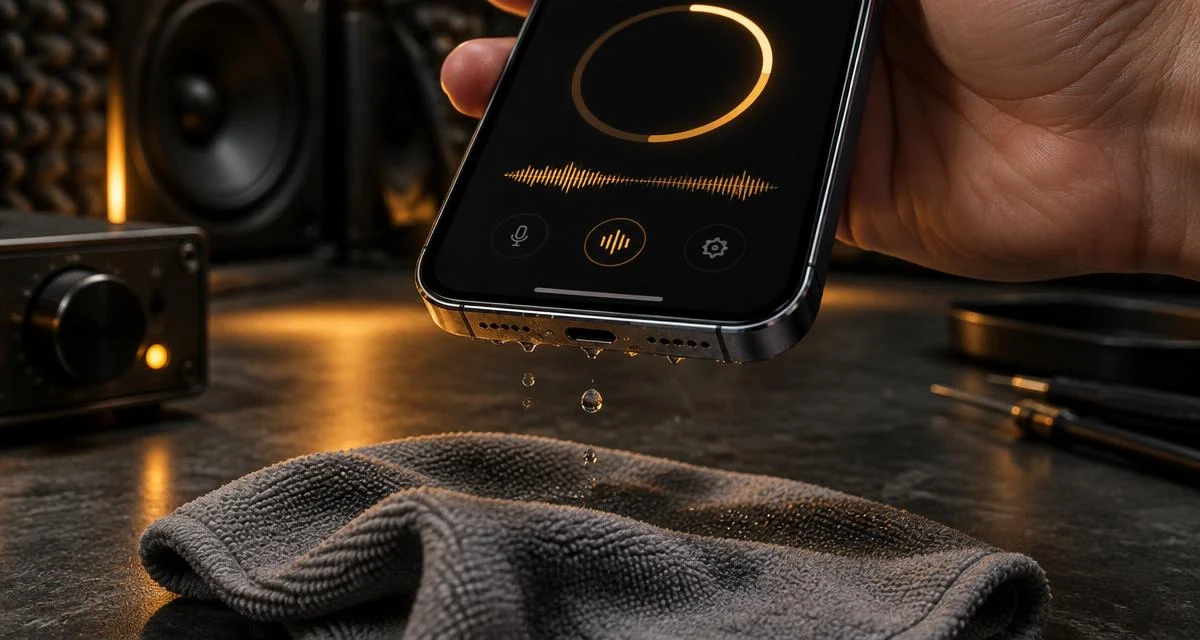
Quick answer
Wipe the iPhone dry, take off the case, turn media volume to about 75% or higher, hold the phone with the bottom grilles facing down over a cloth and press Start. Let the 60-second pulse finish, dab the grille, and repeat up to three times. If the sound is still muffled, leave it to air-dry for a few hours. Sound can only move water sitting in the speaker mesh; it cannot dry the inside of the phone or the charging port.
How this compares to the Water Eject Shortcut
Many people search for an iPhone "Water Eject" Shortcut. Those community scripts, like this page, play a low tone through the speaker. The difference is setup: a Shortcut has to be added and allowed to run, while this page works in Safari with no install, and shows a live progress ring so you know when the run ends. Neither is made by Apple, and neither is a repair. Shortcut silent or broken? See Water Eject Shortcut fixes.
iPhone details that change how you run it
- Only one bottom grille is the speaker on most models; the other covers microphones. Point both down so gravity helps.
- The earpiece is a speaker too on iPhone 7 and later. It plays in stereo, so the tone also reaches it. For lint in the earpiece, use the Ear Speaker Cleaner.
- Silent mode: on iOS 17+ the page usually plays anyway. If not, switch silent off.
- Bluetooth: disconnect AirPods or a speaker first, or the tone plays there instead.
- Liquid-detection alert: that is about the port. Don't charge until it is dry.
When not to use it
Skip the tone if the iPhone was submerged for a long time, won't power on normally, or got salt water, sugary drinks or chlorinated water inside, rinse-free residue and internal water need drying time or a repair check. Don't use rice, heat or compressed air. The full step-by-step drying protocol is in the iPhone water removal guide.
Check it worked
Play something familiar at medium volume. Clear sound means you're done. Still muffled after a day of drying? Run the Speaker Test or answer two questions in the speaker diagnostic. For non-iPhone devices use the general Android water eject tool or the general Water Eject tool. Keep the phone away from your ear while it plays. If your watch got wet at the same time, see how to eject water from an Apple Watch with Water Lock.
Related tools & guides
- GuideiPhone Water Guide →Step-by-step rescue for a wet iPhone speaker.
- GuideWater Eject Shortcut Fixes →Shortcut silent or broken? Fix it or skip it.
- ToolWater Eject →60-second 165 Hz pulse to push water out.
- ToolSpeaker Test →Left/right, rattle, bass and treble checks.
- ToolFix My Speaker Diagnostic →Two questions, the safest first fix.
Frequently asked questions
+Is this the same as the iPhone Water Eject Shortcut?
It does the same basic job. Popular Shortcuts water-eject scripts play a low tone through the speaker; this page plays a 165 Hz pulse in Safari, so there is nothing to install or allow. Neither one is an Apple feature, and neither can remove water from inside the phone.
+Does iPhone have a built-in water eject setting?
No. Apple Watch has Water Lock, which plays a sound to clear its speaker. iPhone has no equivalent setting, so water normally evaporates on its own; a tone can help shake loose droplets off the speaker mesh sooner.
+Will it play if my iPhone is on silent?
On iOS 17 and later this page asks Safari for media playback, so it usually plays with the Ring/Silent switch or Action button set to silent. If you hear nothing, turn silent mode off and raise the media volume.
+Which hole at the bottom is the speaker?
On most iPhone models with two bottom grilles, only one is the loudspeaker; the other covers microphones. Hold the phone so the grilles point down and let the run finish. The earpiece at the top is the second stereo speaker and also plays this tone.
+My iPhone is IP68, why is the speaker still muffled?
IP ratings describe resistance to water getting inside under lab conditions. They do not stop droplets from sitting in the speaker mesh, which is what muffles the sound right after a splash.
+Can I charge my iPhone if it shows a liquid alert?
Not while the port is wet. The liquid-detection alert concerns the charging port, not the speaker. Unplug, let the port dry, and do not rely on this tone to dry it.