Scenario guide · Charging port
Liquid detected in Lightning or USB-C connector
Short answer
Unplug the cable, tap the phone gently against your hand with the port facing down, then leave it in a dry place with some airflow for at least 30 minutes before charging again. Charge wirelessly in the meantime if you can. Don't use rice, heat, compressed air or anything inside the port. A speaker tone won't help here. It only works on the speaker grille.
Want to try the fix right now?
Open Water Eject →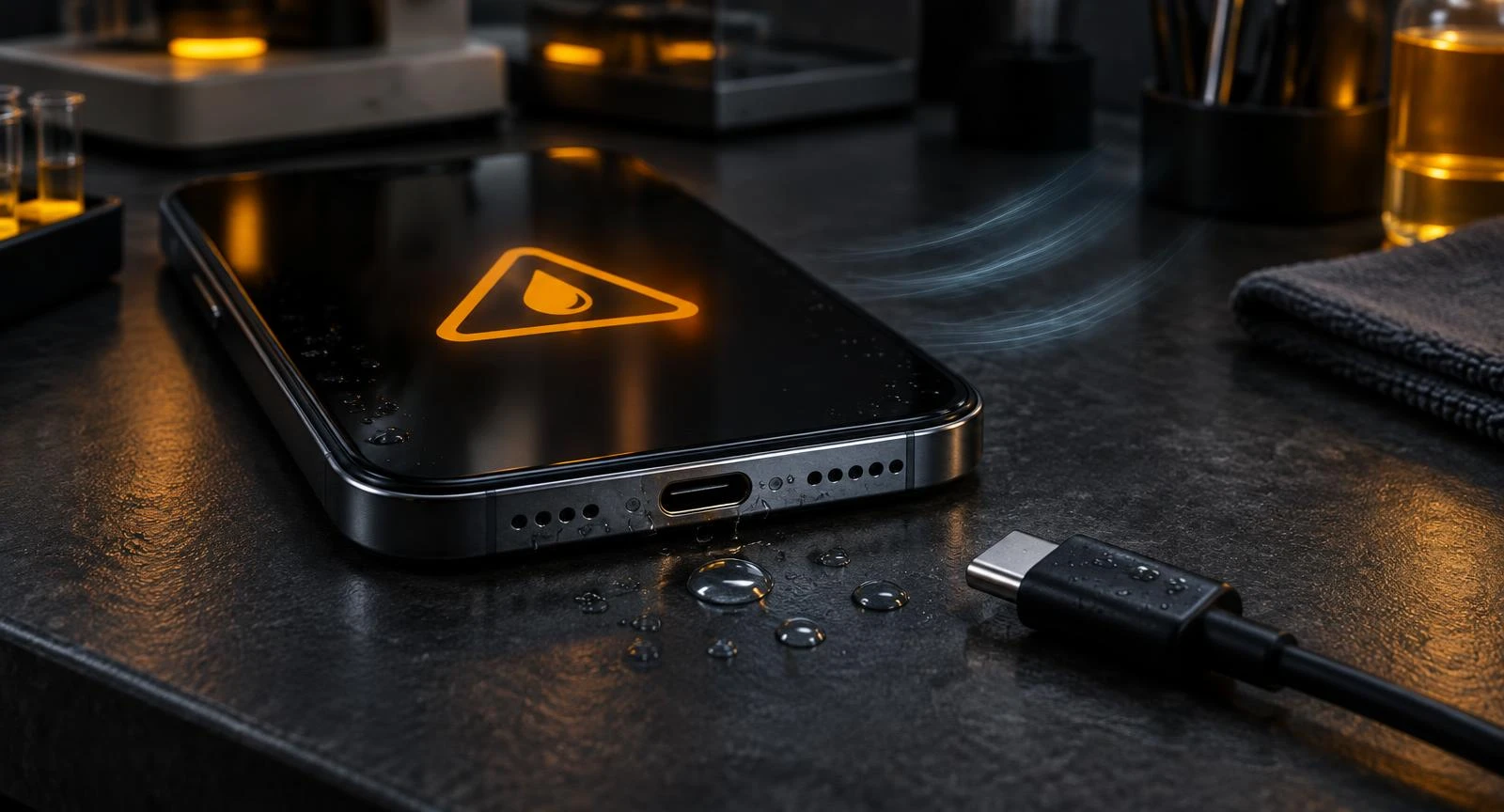
What to do right now (4 steps)
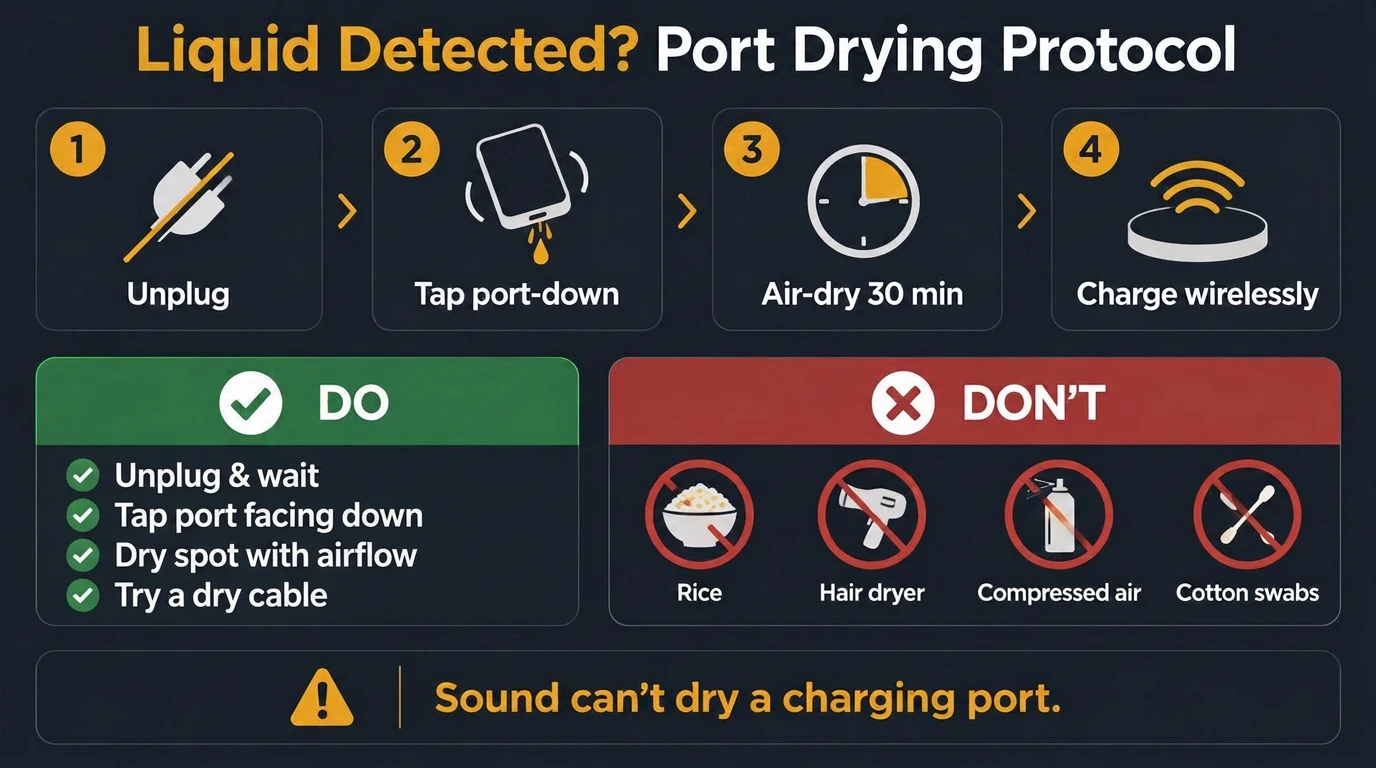
- Unplug everything. Remove the cable and any accessory from the port. Don't keep retrying the cable.
- Tap it out. Hold the phone port-down and tap it gently against your palm a few times so loose drops fall out.
- Air-dry. Put it somewhere dry with some airflow. A desk near a fan works. Wait at least 30 minutes, then try the cable again.
- Charge wirelessly if you need power. A Qi or MagSafe charger doesn't use the port. Wipe the back dry first.
- 1
Unplug
Remove cable and accessories.
- 2
Tap port-down
Gently against your palm.
- 3
Air-dry 30 min+
Dry spot with some airflow.
- 4
Charge wirelessly
If you need power meanwhile.
Do
- Unplug and wait
- Tap port facing down
- Dry place with airflow
- Try a different dry cable
- Restart if the alert lingers
Don't
- Rice
- Hair dryer or heater
- Compressed air / blowing
- Cotton swabs, pins, paper
- Forcing a wired charge
Why sound won't help: a water eject tone vibrates the speaker mesh. The charging port has no speaker behind it, so only time and airflow dry its pins.
If the alert returns, there's still moisture. Repeat the air-dry step; it can take several hours, sometimes up to a day.
Why a water eject tone can't dry a charging port
Our water eject tool plays a low tone through the speaker so its thin mesh vibrates and shakes droplets off. The charging port has no speaker behind it. Just pins in a small cavity. So sound from the phone doesn't move that water. Plenty of sites suggest otherwise; we'd rather tell you what actually helps. If your speaker also sounds muffled, that's a separate problem: run the water eject pulse for the speaker, and let the port dry on its own.
iPhone vs Android: what the alert looks like
| Phone | Message | What it blocks |
|---|---|---|
| iPhone (Lightning) | "Charging Not Available. Liquid has been detected in the Lightning connector" | Wired charging and port accessories |
| iPhone 15 and later (USB-C) | Same alert, naming the USB-C connector | Wired charging and port accessories |
| Samsung Galaxy | "Moisture detected" with a water-drop icon | Wired charging until the port is dry |
| Other Android phones | Varies; some show a USB port warning, some just stop charging | Usually wired charging |
Using an Android phone with a wet speaker too? The Android water eject page covers the speaker side. iPhone owners can use the iPhone water eject page.
Five mistakes that cause real damage
- Rice. Apple specifically says not to: small particles can get into the port.
- Compressed air or blowing into it. It can push water deeper, and breath adds moisture.
- Hair dryers and heaters. Heat is hard on the battery and seals, and doesn't fix the pins.
- Cotton swabs, pins or paper. Fibres stay behind and metal can bend or short the pins.
- Forcing a charge. Charging with liquid on the pins can corrode them. Keep Emergency Override for real emergencies.
When the warning won't go away
If the phone has had a full day to dry and the alert still appears, the cause is often not water any more:
- Lint or pocket dust packed at the back of the port can hold moisture or bridge pins. Look inside with a torch.
- Residue from sea water, pool water or a drink can stay after the water evaporates.
- A damaged or damp cable. Try a different, dry cable before blaming the phone.
- A cached alert. Restart the phone and try again.
If none of that clears it, have the port cleaned or checked by the manufacturer or an authorised repair provider. Don't dig into it yourself.
Liquid detected but the phone isn't wet
Short answer: the sensor reacts to any moisture or conductive debris on the pins, not only spills. Common triggers:
- Condensation after carrying the phone from a cold car or air-conditioned room into warm, humid air.
- A bathroom or gym: steam and sweat can reach the port.
- A damp or damaged cable rather than the phone itself.
- Pocket lint holding moisture at the back of the port.
Treat it the same way: unplug, wait in a dry room for 30 minutes, try another cable, restart. Samsung owners can follow the dedicated moisture detected on Samsung guide.
How long until I can charge again?
| Step | What Apple says |
|---|---|
| After tapping out the liquid | Leave it in a dry area with some airflow for at least 30 minutes, then try charging |
| Alert appears again | Liquid is still in the port; leave it dry with airflow for up to 24 hours |
| Still dry but the alert persists | Try a different cable or adapter; contact Apple if it continues |
Source: Apple Support, "If you see a liquid-detection alert on your iPhone".
Check the rest of the phone
Water that reached the port often reached the speaker and microphone too. Once things are dry, run the speaker test at low volume and the microphone test. Not sure what you're hearing? The speaker diagnostic asks two questions and points you to the right fix. Our methodology explains what these browser tools can and can't do.
Related tools & guides
- ToolWater Eject →60-second 165 Hz pulse to push water out.
- GuideSamsung Moisture Detected →Galaxy USB-C water-drop alert: dry it, clear a stuck one.
- TooliPhone Water Eject →165 Hz pulse set up for iPhone speakers.
- ToolAndroid Water Eject →165 Hz pulse plus vibration for Android speakers.
- ToolSpeaker Test →Left/right, rattle, bass and treble checks.
- ToolFix My Speaker Diagnostic →Two questions, the safest first fix.
Standards & references
- If you see a liquid-detection alert on your iPhone
Apple Support
Apple's steps: unplug, tap port-down, wait 30 minutes, no rice, no heat or compressed air; Emergency Override and wireless charging notes.
- What does the "Moisture detected" message mean?
Samsung Support
Samsung's explanation of the USB-C moisture alert and how to dry the port.
- IEC 60529: Degrees of protection provided by enclosures (IP Code)
International Electrotechnical Commission
IP67/IP68 ratings are lab tests with fresh water; they don't make a port immune to moisture alerts.
Frequently asked questions
+What does "Liquid detected in Lightning connector" mean?
iPhone has found moisture on the pins of its charging port (Lightning or USB-C) and has paused wired charging and accessories to protect the port and cable. It is a safety alert about the port, not about the speaker.
+How long does it take for the warning to go away?
Apple suggests waiting at least 30 minutes after tapping out the water before trying to charge again. If the alert comes back, liquid is still in the port, so leave it in a dry place with some airflow for up to a day.
+Can a water eject sound dry my charging port?
No. A speaker tone vibrates the speaker's own mesh. The charging port is a separate opening with no speaker behind it, so sound will not move water out of it. Use time and airflow instead.
+Is it safe to use Emergency Override on iPhone?
Apple offers Emergency Override for genuine emergencies only. Charging with liquid in the port can corrode the pins and damage the cable or phone, so avoid it unless you truly need power right now.
+Can I charge wirelessly while the port is wet?
Usually yes. Wireless chargers do not use the port, and Apple notes wireless charging can still work while the alert is shown. Dry the outside of the phone first.
+The port is dry but the warning keeps appearing. Why?
Lint, dust or dried salt and sugar residue can bridge the pins and keep triggering the sensor. Restart the phone, try a different cable, and inspect the port with a light. If it persists, have the port cleaned or checked by an authorised repair provider rather than poking it with metal.
+Why does my iPhone say liquid detected when it never got wet?
Humidity, condensation after moving from cold to warm air, sweat, a damp cable or lint in the port can all trigger the alert without a spill. Unplug, let the phone sit somewhere dry for 30 minutes, try a different cable and restart. If it keeps happening, get the port inspected.
+How do I get rid of the liquid detected warning fast?
There is no safe shortcut. Unplug, tap the phone port-down, and leave it with some airflow. A fan in the room helps; heat, rice and compressed air do not. Charge wirelessly while you wait.
+Can the liquid detected alert damage my phone?
The alert itself is protective. The risk comes from charging while the pins are wet, which can corrode the connector or cable over time. Waiting until it clears is what prevents damage.
+Does a fan or a cool airflow help?
Yes. Gentle room-temperature airflow speeds evaporation without heating the battery or seals. Keep the port pointed down or sideways, not up.