After a splash, rain or spill
Water Eject
Pulsing low-frequency bursts shake water droplets out of the speaker grille. Pulse mode is pre-selected for this.
Turn device volume to max, place the speaker facing down, and remove any case. Stop immediately if you hear rattling or distortion.
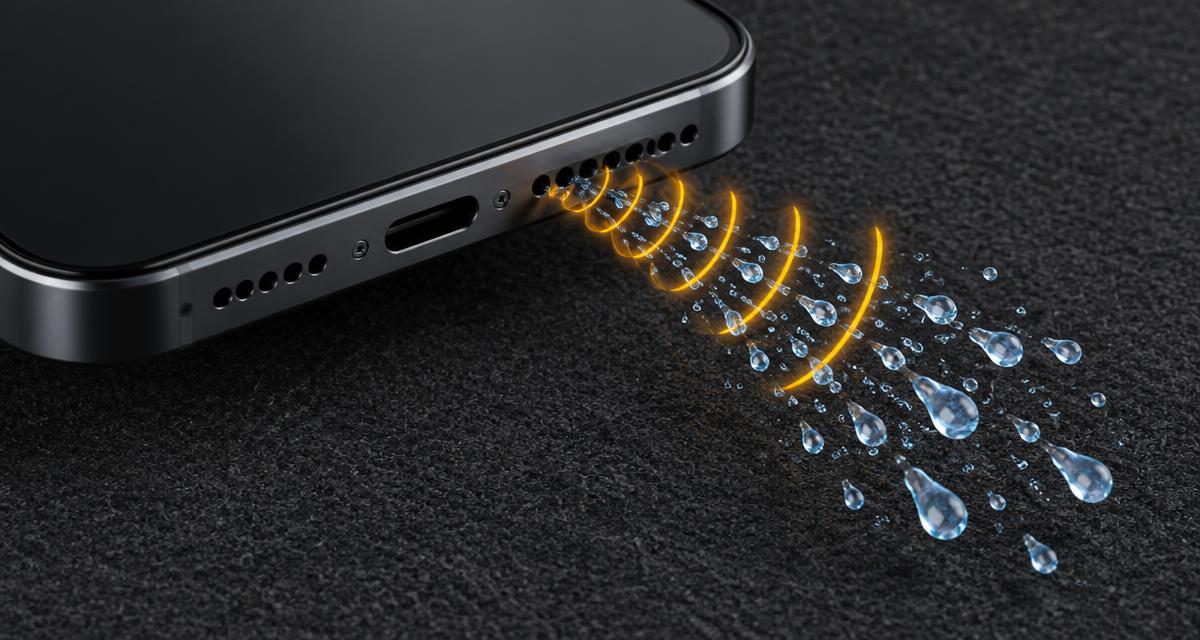
Water ejection routine
- Power the device on and wipe the outside dry.
- Remove the case. Set volume to maximum.
- Hold the phone speaker-down at a slight angle.
- Run Pulse for 60 seconds, then repeat twice.
- Air-dry for 1–2 hours before judging the result.
Signs water is still trapped
- Crackling or muffled sound that improves over a few hours.
- Visible droplets on the grille after running the tool.
- The "liquid detected" alert on the charging port (a separate issue — let the port dry).
For dust rather than water, use the speaker cleaner sweep mode. To confirm which speaker is affected, run the left/right speaker test.
Frequently asked questions
+Is this the same as Apple Watch Water Lock?
It's a similar idea — Apple Watch plays a tone to push water out. This browser tool works on phones, tablets and laptops, but it is not affiliated with Apple.
+How soon should I use it after water exposure?
As soon as possible, once the device is powered on and working. Wipe it dry first, then run the pulse mode 2–3 times with the speaker facing down.
+My phone is still muffled after ejecting water. What now?
Let it air-dry for a few hours, then try again. If audio remains muffled, the speaker may have debris or damage — contact the manufacturer or a repair shop.
+Should I put my phone in rice?
Manufacturers including Apple advise against rice, since particles can get into ports. Air-drying in a ventilated spot is the safer option.