Symptom guide · Quiet speaker
Why is my phone speaker so quiet?
Short answer
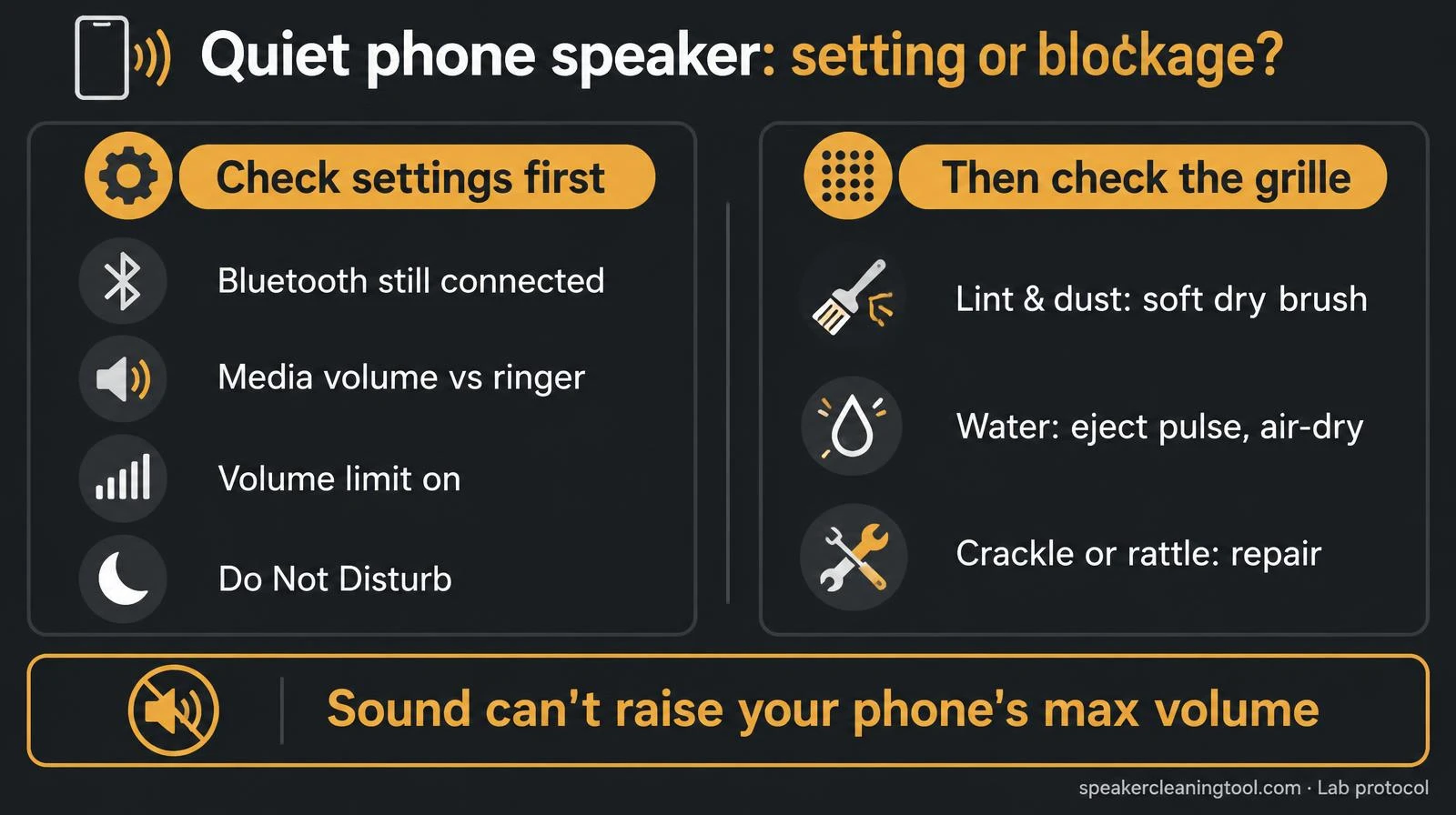
A quiet phone speaker is most often a setting, not a broken part: sound still going to Bluetooth, the wrong volume slider, or a volume limit. Check those first. If the settings are fine, the next likely cause is lint, dust or water in the grille: brush it gently, run the water eject tool if it got wet, then confirm with the speaker test.
Want to try the fix right now?
Open Fix My Speaker Diagnostic →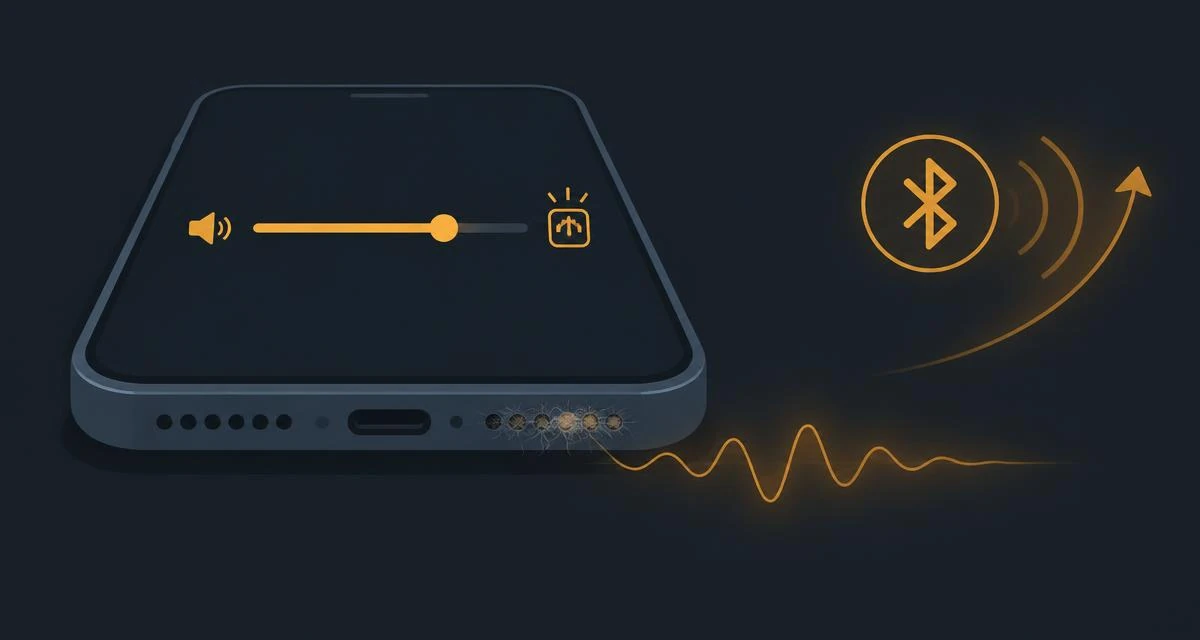
Find your cause in 60 seconds
| What you notice | Likely cause | What to do |
|---|---|---|
| Quiet right after using earbuds, a smartwatch or the car | Audio still routed to Bluetooth | Turn Bluetooth off and play again |
| Music quiet but ringtone loud (or the reverse) | Separate volume sliders | Raise media volume while audio is playing |
| Quiet in one app only | App volume or app setting | Check the app's own volume, then restart it |
| Got quieter slowly over weeks or months | Lint or dust in the grille | Soft dry brush, then the speaker cleaner dust routine |
| Quiet and a bit muffled after rain or a spill | Water in the grille | 165 Hz water eject pulse, then air-dry |
| Quiet plus crackle or rattle at higher volume | Possible speaker damage | Stop loud playback; see crackling guide |
Setting or blockage?
Step-by-step fix
- Turn Bluetooth off. Phones keep sending audio to the last connected earbuds or car, even when they are in a case or another room.
- Raise the right volume. Start playing music or a video first, then press volume up. That changes media volume, not the ringer.
- Check volume limits. On iPhone, look for a volume limit in the Music settings and headphone safety options. On Android, check Sound settings and any "media volume limiter" your manufacturer adds.
- Turn off Do Not Disturb and focus modes if notifications or calls are the quiet part.
- Restart the phone to clear audio glitches after an update.
- Remove the case and look at the grille in good light. Gently brush it with a soft, dry toothbrush at an angle.
- If it got wet, hold it speaker-down and run the tone that clears water from the grille for 60 seconds, two or three times, then let it air-dry.
- Confirm the result with the frequency sweep speaker test. Play Left, Right and the sweep and compare both speakers.
Quiet vs muffled: what's the difference?
A quiet speaker is simply less loud but still clear. That usually means a setting or a light blockage. A muffled speaker sounds dull, like it is under a blanket, which points more strongly to water or packed debris. If your speaker sounds both quiet and dull, read why is my phone speaker muffled as well.
Only quiet during phone calls?
Calls use the small earpiece slot at the top of the screen, not the bottom speaker. That slot collects skin oil, makeup and pocket lint, and it needs a gentler cleaning method. Use the ear speaker cleaner for the sound routine and the safe brushing steps.
Not sure which it is?
Answer two questions in the speaker diagnostic and it will play the right test tone on the spot and point you to the fix.
When sound and settings can't fix it
Browser tones only help with loose water and light dust; they cannot raise your phone's maximum volume. If the speaker is still quiet after the setting checks, a gentle clean and 24 hours of drying, or if it crackles or rattles, contact the manufacturer or a repair shop. Our testing methodology explains what these tools can and can't measure.
Related tools & guides
- ToolFix My Speaker Diagnostic →Two questions, the safest first fix.
- ToolEar Speaker Cleaner →Clear lint and moisture from the call speaker.
- ToolSpeaker Test →Left/right, rattle, bass and treble checks.
- ToolHeadphone & AirPods Test →Find which earbud or side is quieter.
- GuideOne AirPod Quieter Guide →Balance setting, wax, water or a fault, in order.
- GuideMuffled Speaker Guide →Water, dust or damage, how to tell.
Standards & references
- Change volume, sound & vibrate settings
Android Help (Google)
Android has separate media, call, ring and alarm volumes. The reason one sound can be quiet while others are normal.
- About splash, water, and dust resistance of iPhone 7 and later
Apple Support
Apple notes that water in the speaker port can reduce speaker performance until it fully evaporates.
- Cleaning your iPhone
Apple Support
Recommends a soft, lint-free cloth and no compressed air or moisture in openings. The basis for our grille-cleaning steps.
Frequently asked questions
+Why is my phone speaker so quiet even at full volume?
The most common reasons are audio still routed to a Bluetooth device, a separate volume limit (media vs ringer vs call volume), lint or dust packed into the grille, or water that has not dried. Speaker damage is less common and usually comes with distortion or rattling.
+Why did my phone speaker suddenly get quieter?
A sudden drop usually points to something that changed: earbuds or a car connected over Bluetooth, a software update that reset a setting, a new case, or getting the phone wet. A slow drop over weeks points to dust and lint.
+Does a speaker cleaner tone make a quiet speaker louder?
Only if the cause is loose water or light dust in the grille. A tone cannot fix a setting, packed lint, sticky residue or a damaged speaker, and it never raises the phone's maximum volume.
+How can I tell if it's the speaker or the app?
Play the same sound in two different apps, then run our Speaker Test. If everything is quiet, it's the phone or the speaker. If only one app is quiet, check that app's own volume and settings.