Symptom guide · Earbuds
Why is one AirPod quieter than the other?
Short answer
Check the balance slider first (iPhone: Settings > Accessibility > Audio & Visual > Balance. It should be centred). If it is, the usual cause is earwax or lint on the speaker mesh: clean it gently with a dry soft brush. If the earbud got wet, wipe it and let it dry fully before use. Then reset the earbuds and compare both sides with our left/right headphone test.
Want to try the fix right now?
Open Headphone & AirPods Test →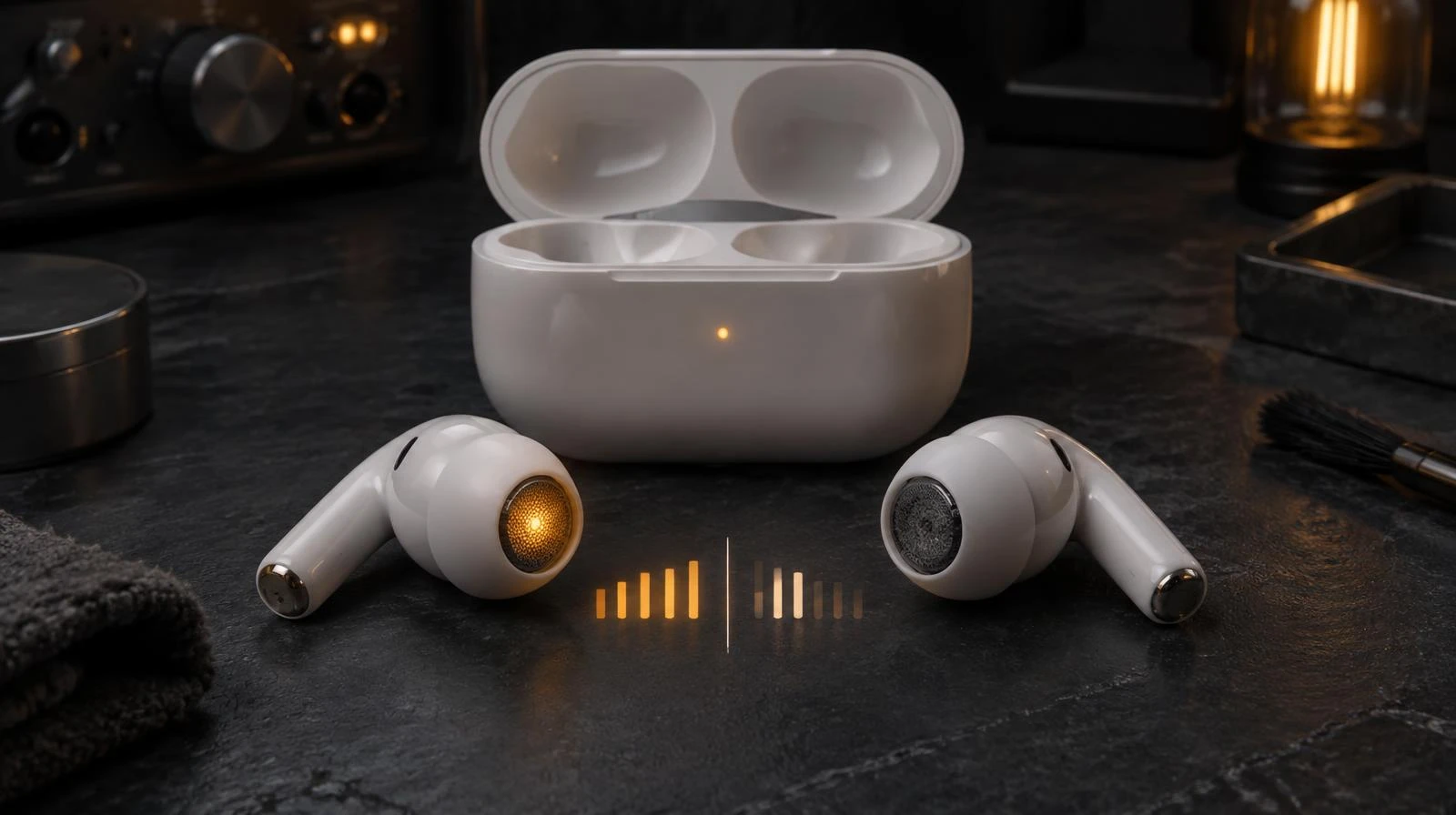
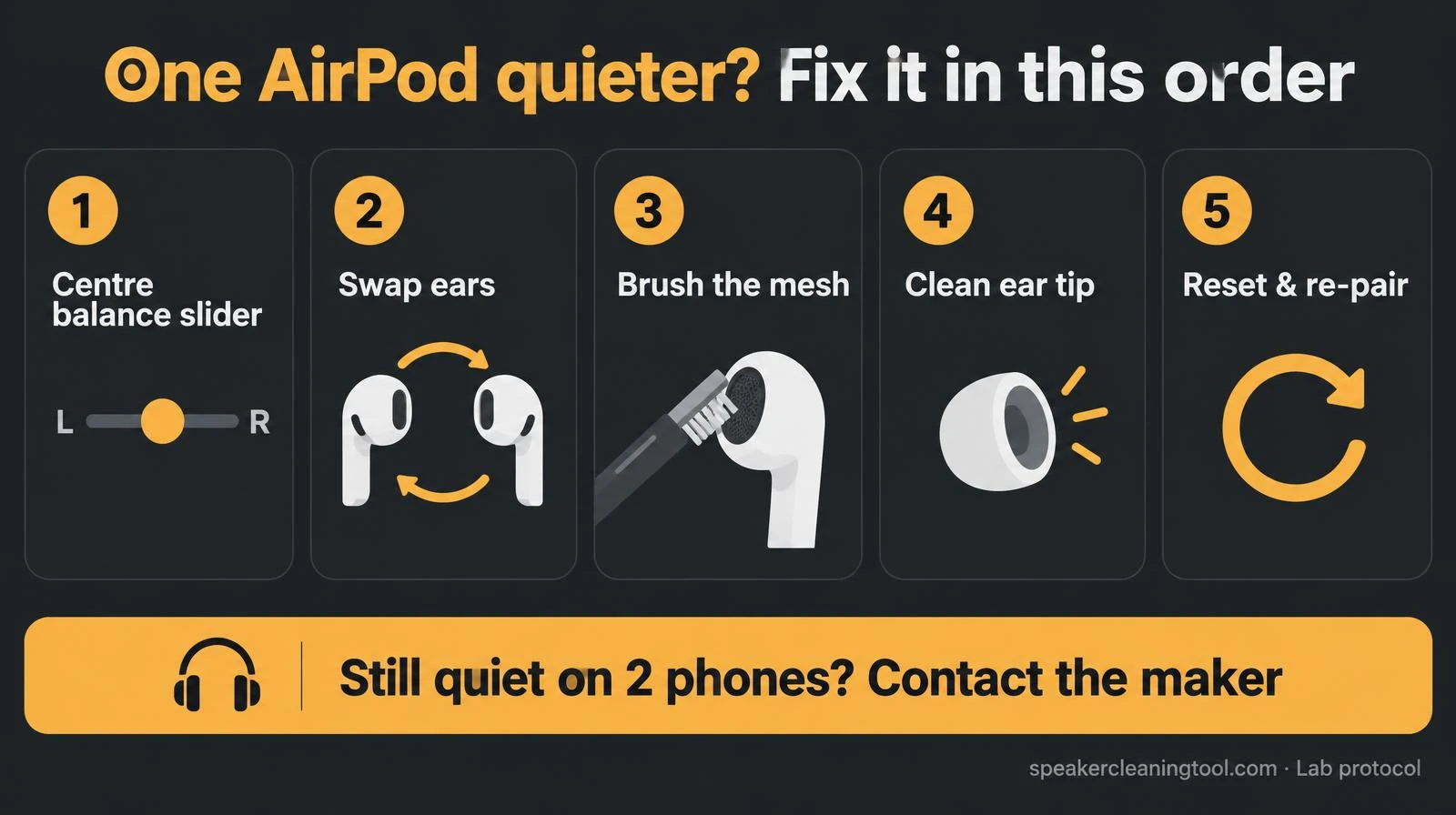
Fix it in this order (fastest first)
- Balance and mono audio. Centre the Balance slider and turn Mono Audio off. On Android, look under Accessibility for left/right sound balance.
- Swap the earbud between ears. If the quiet side follows the earbud, it's the earbud. If it stays in the same ear, it may be the fit, the ear tip, or your hearing, worth noting before you clean anything.
- Look at the mesh under a light. A dull, yellowish or patchy mesh is usually wax. Brush it gently with a dry, soft brush, mesh facing down so debris falls out.
- Change or clean the ear tip (AirPods Pro and most in-ear buds). Wax often sits inside the tip, not on the driver.
- Reset and re-pair. Put both in the case, forget the device and set it up again. This clears a stuck firmware or pairing state.
The 5 fixes at a glance
Wax, water or a fault: how to tell
| What you notice | Likely cause | What to do |
|---|---|---|
| Slowly got quieter over weeks | Wax build-up on mesh or tip | Dry soft brush, clean or replace tip |
| Quiet or muffled after rain, sweat or a swim | Moisture in the mesh | Wipe, leave out of case to dry, then retest |
| Quiet on one phone only | Balance or accessibility setting | Centre the slider, check mono audio |
| Crackles, cuts out or silent after a drop | Driver or battery fault | Contact Apple or the earbud maker |
Why we don't point you to a water-eject tone here
Our water eject tool is meant for phone speakers held away from your face. Earbuds sit in your ear canal, and their drivers are tiny, so we'd rather you dry them with time and a cloth than play loud low tones into them. Apple's own cleaning advice says the same: let them dry before use.
Test both sides properly
After cleaning, open the headphone & AirPods test at a low volume. Play the left and right channel tones and the panning sweep. If one side still sounds clearly quieter on two different devices, it's not a setting. Your microphone can be checked too with the mic test, because AirPods use the same openings for call audio. Phone speaker quiet instead? See the quiet phone speaker guide.
Mistakes that make it worse
- Pins, needles or toothpicks through the mesh. They can tear it or push wax deeper.
- Rinsing under a tap or soaking in alcohol.
- Putting wet earbuds back in the case, where the charging contacts are.
- Turning the volume to maximum to compensate. It only makes the balanced side louder in your ear.
When it's time for a repair
If both meshes look clean, settings are centred, the earbuds have been reset and the same side is still quieter on another phone, the problem is inside the earbud. Contact Apple or the earbud manufacturer, AirPods may still be under warranty or AppleCare. Not sure where the problem is? The speaker diagnostic asks two questions and points you to the right check, and our methodology explains what browser tests can and can't measure.
Related tools & guides
Standards & references
- How to clean your AirPods and AirPods Pro
Apple Support
Dry cotton swab or soft brush for the mesh; no sharp objects; let wet AirPods dry before use.
- Adjust audio and visual settings on iPhone
Apple Support
Where the left/right Balance slider and mono audio live.
- Reset your AirPods and AirPods Pro
Apple Support
Official reset steps when one side misbehaves after cleaning.
Frequently asked questions
+Why is one AirPod suddenly quieter than the other?
The most common causes are the audio balance slider being moved off centre, earwax or lint on the speaker mesh, or moisture after sweat or rain. Check the balance setting first because it takes ten seconds, then inspect and clean the mesh.
+Where is the balance setting on iPhone?
Settings > Accessibility > Audio & Visual > Balance. The slider should sit in the middle, between L and R. Also check Headphone Accommodations in the same menu, which can change how each side sounds.
+Where is the balance setting on Android?
On most phones it is in Settings > Accessibility > Audio adjustment (or Hearing enhancements on Samsung), under Left/right sound balance. Menu names vary by manufacturer.
+Can I use a water eject sound on AirPods?
We don't recommend it as a fix. Earbud drivers are tiny and sit right next to your ear canal, and Apple's advice for wet AirPods is to wipe them and let them dry before use. Dry them with a lint-free cloth and leave them out of the case until fully dry.
+How do I clean wax off an AirPod mesh?
Apple suggests a dry cotton swab, a soft-bristled brush or a lint-free cloth for the mesh, and not running anything sharp through it. Don't rinse the earbuds or push water into the openings.
+It's still quieter after cleaning and resetting. What now?
Run a left/right test with the headphone test tool. If one side stays clearly quieter on two different phones, the driver or a clogged inner mesh may need service from Apple or the earbud maker.