Symptom guide · Crackling & buzzing
Why is my speaker crackling?
Short answer
Speaker crackling usually comes from volume set too high, a bad connection (Bluetooth or cable), software glitches, moisture, or a damaged speaker. Lower the volume, rule out the source, then run the speaker test sweep: crackling at one pitch points to the speaker itself; crackling everywhere usually points to the connection or software.
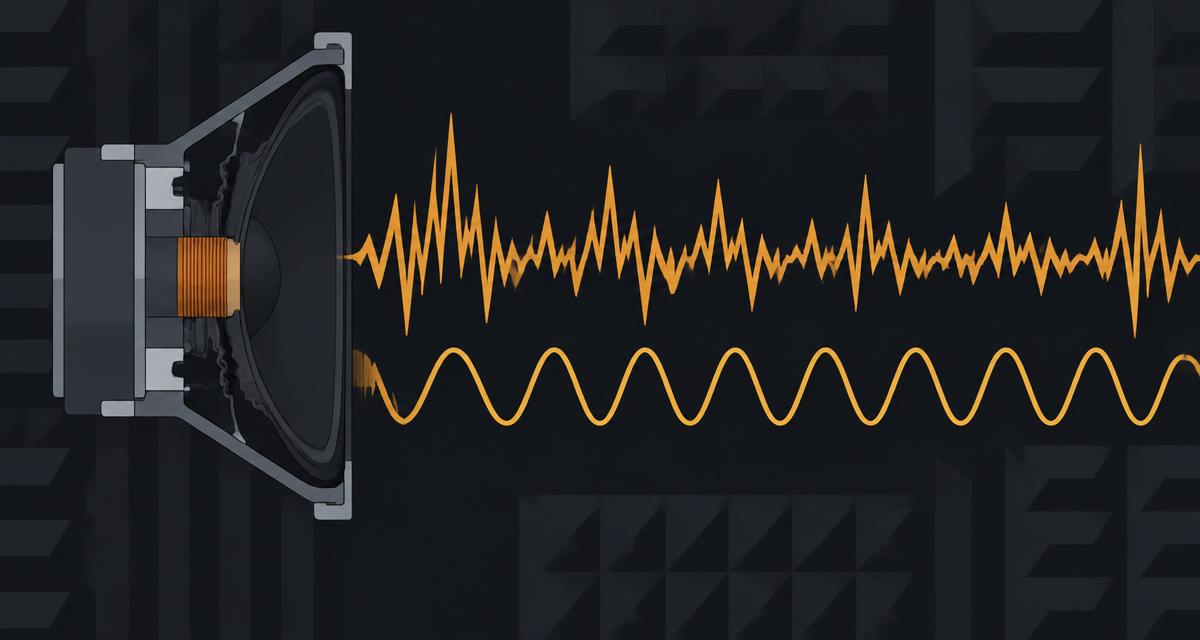
Is it the speaker or the source?
| What you notice | Likely cause | What to do |
|---|---|---|
| Crackles only at high volume | Speaker pushed past its limit | Lower volume, turn off bass boost or EQ |
| Crackles on Bluetooth, fine wired | Wireless interference or distance | Move closer, re-pair, close other devices |
| Crackles when the cable moves | Loose or worn cable or jack | Swap the cable, clean the port |
| Crackles on a PC after an update | Driver or audio settings | Update or roll back the audio driver; disable enhancements |
| Crackles after water exposure | Moisture in the speaker | Air-dry, then water eject pulse |
| Crackles at the same pitch every time | Damaged cone or voice coil | Stop loud playback; repair or replace |
Locate the crackle with a sweep
- Set volume to around 30% and turn off any audio enhancements or spatial audio.
- Open the speaker test and press Left, then Right, to find which side crackles.
- Run the Sweep. Note whether the crackle appears at one point or throughout.
- To hold one pitch and listen closely, set it in the tone generator using a sine wave.
If the crackle shows up at the same pitch on every run, the speaker itself is the problem. If it comes and goes, or happens at every pitch, look at the connection, cable or software first.
Fixes by device
- Phone: restart, remove the case, and check for water or lint. If it got wet, try the water eject routine and let it dry for a few hours.
- Laptop or PC: update or roll back the audio driver, turn off audio enhancements, and try a different sample rate in sound settings.
- Bluetooth speaker: charge it fully, move it closer, forget and re-pair the device, and update its firmware if the maker provides an app.
- Car speakers: crackling often comes from loose wiring or a damaged speaker; this is a job for an installer.
Safety boundaries
Don't keep playing loud audio through a crackling speaker, and don't open devices that are under warranty. Our tools generate sound in the browser and can't repair hardware or measure it in calibrated units; see the testing methodology.
Sound muffled instead of crackly? Read why is my phone speaker muffled.
Frequently asked questions
+Why is my speaker crackling?
Common causes are volume set past what the speaker can handle, a weak Bluetooth connection, a loose cable, software or driver issues, moisture in the speaker, or a damaged cone or voice coil.
+Why is my phone speaker crackling?
On phones it is often water or debris in the grille, audio enhancements, or a damaged speaker after a drop. Lower the volume, restart, and run a sweep test to see whether the crackle happens at one pitch or all the time.
+Can a crackling speaker fix itself?
If moisture caused it, crackling often fades as the speaker dries. Crackling from a torn cone or damaged coil does not go away and usually gets worse.
+Is it bad to keep using a crackling speaker?
Playing loud audio through a crackling speaker can make damage worse. Keep the volume low until you find the cause.
+How do I fix a crackling speaker?
Lower the volume, remove the source (switch to wired, re-pair Bluetooth, swap the cable), restart and update, and dry the speaker if it got wet. If the sweep test still crackles at the same pitch, the speaker likely needs repair.