Water guide · Earbuds
Water in AirPods: how to dry them safely
Short answer
Wipe your AirPods with a soft, dry, lint-free cloth, then let them dry completely for at least two hours before you wear them or put them back in the case. Don't use heat or compressed air. AirPods are water resistant, not waterproof, and Apple lists no sound-based fix, so skip phone water eject tones. Once dry, check both sides with the left/right headphone test.
Want to try the fix right now?
Open Headphone & AirPods Test →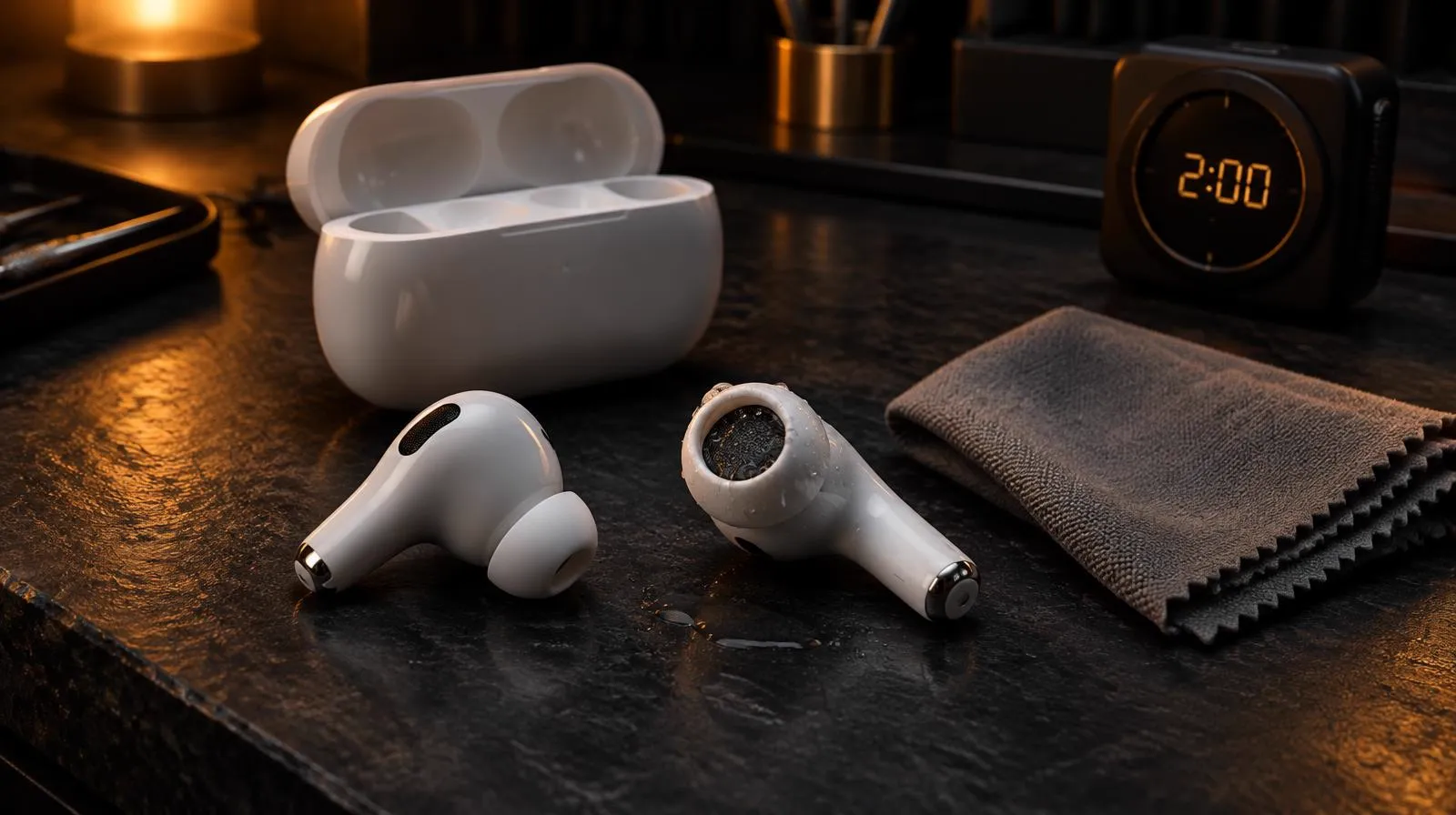
What to do right now if your AirPods got wet
These steps follow Apple's support article on AirPods water resistance.
- Take them out of your ears and stop playback.
- Keep them out of the charging case.
- Wipe each earbud with a soft, dry, lint-free cloth.
- Leave them to dry completely, for at least two hours.
- Don't use a hair dryer, heater or compressed air.
- Once dry, put them back in the case and test both sides.
Are AirPods waterproof?
No. Apple calls them sweat and water resistant for non-water sports and exercise. The rating depends on the model, under the IEC 60529 standard:
| Model | Rating |
|---|---|
| AirPods Pro 1 (case not resistant) | IPX4 |
| AirPods Pro 2 (Lightning), AirPods 3 | IPX4, earbuds and case |
| AirPods Pro 2 (USB-C), AirPods 4 (both models) | IP54, earbuds and case |
| AirPods Pro 3, AirPods 5 (both models) | IP57: up to 1 m for 30 minutes |
Apple says the resistance is not permanent, can diminish over time, and can't be rechecked or resealed. It also says not to swim or shower with them, not to hold them under a tap, and to keep them away from saunas, washing machines and high-speed water. If your phone took the same splash, see our IP67 vs IP68 phone guide.
Why not use a water eject tone on earbuds?
Phone water eject tools, including ours, are built for phone speakers. Apple does not describe any tone-based method for AirPods, only wiping and drying. Earbuds also sit right at your ear canal, so playing a loud cleaning tone while wearing them is a bad idea. Apple Watch is different: it has a built-in Water Lock eject, and AirPods do not.
Sweat, soap and sunscreen are worse than water
Apple warns that soaps, shampoo, lotion, perfume, sunscreen, insect repellent, oils and similar products can harm the water seals and acoustic membranes. If that happens, clean them following Apple's AirPods or AirPods Pro cleaning steps, which use a soft brush and specific products on the mesh only.
Muffled or one side quieter after drying?
Give them the full drying time first. Then play the headphone test to compare left and right. If one side is still quieter, work through our one AirPod quieter guide (balance slider, mesh cleaning, reset). If liquid got inside, Apple advises contacting Apple support, and liquid damage isn't covered by the standard warranty.
Related tools & guides
- ToolHeadphone & AirPods Test →Find which earbud or side is quieter.
- GuideOne AirPod Quieter Guide →Balance setting, wax, water or a fault, in order.
- GuideIP67 vs IP68 Guide →What your phone's water rating really covers.
- GuideApple Watch Water Eject →Use Water Lock, then rinse and air-dry.
- ToolWater Eject →60-second 165 Hz pulse to push water out.
Standards & references
- About the sweat and water resistance of AirPods Pro, AirPods 3, AirPods 4, and AirPods 5
Apple Support
IP ratings per model, not waterproof, what to avoid, and the wipe-and-dry-two-hours steps.
- How to clean your AirPods
Apple Support
Official mesh, body and charging case cleaning steps for AirPods 3, 4 and 5.
- How to clean your AirPods Pro
Apple Support
Official mesh and ear tip cleaning steps for AirPods Pro 2 and 3.
- How to clean your Apple products
Apple Support
If liquid gets inside, contact Apple; liquid damage is not covered by the Apple warranty.
Frequently asked questions
+Are AirPods waterproof?
No. Apple describes AirPods Pro, AirPods 3, AirPods 4 and AirPods 5 as sweat and water resistant, not waterproof. They are not designed for swimming or showering, and the resistance can diminish over time.
+How long should I let wet AirPods dry?
Apple says to wipe them with a soft, dry, lint-free cloth and let them dry completely, for at least two hours, before using them or putting them back in the charging case.
+Can a water eject sound get water out of AirPods?
Apple does not list any sound-based fix for AirPods. Its steps are to wipe them and let them dry. Phone water eject tools are made for phone speakers, and playing a loud tone through earbuds you are wearing is not a good idea for your ears.
+Can I use a hair dryer or rice to dry AirPods?
Apple says not to use heat or compressed air to dry AirPods. Wipe them and let them air-dry instead.
+My AirPods sound muffled or one side is quieter after drying. What now?
Wait until they are fully dry, then run a left/right headphone test. If one side stays quieter, check the balance setting and clean the mesh as Apple describes. If it persists, contact Apple Support.