Sound explained · Water and moisture
Water Eject Sound: How It Works and What It Cannot Fix

Short answer
A water eject sound is a low-frequency tone intended to move droplets near a speaker opening. It may improve muffled audio after a splash, but it cannot dry the inside of a phone, clear a charging port or repair liquid damage. A clearer speaker does not mean a dry phone.
Want to try the fix right now?
Open Water Eject →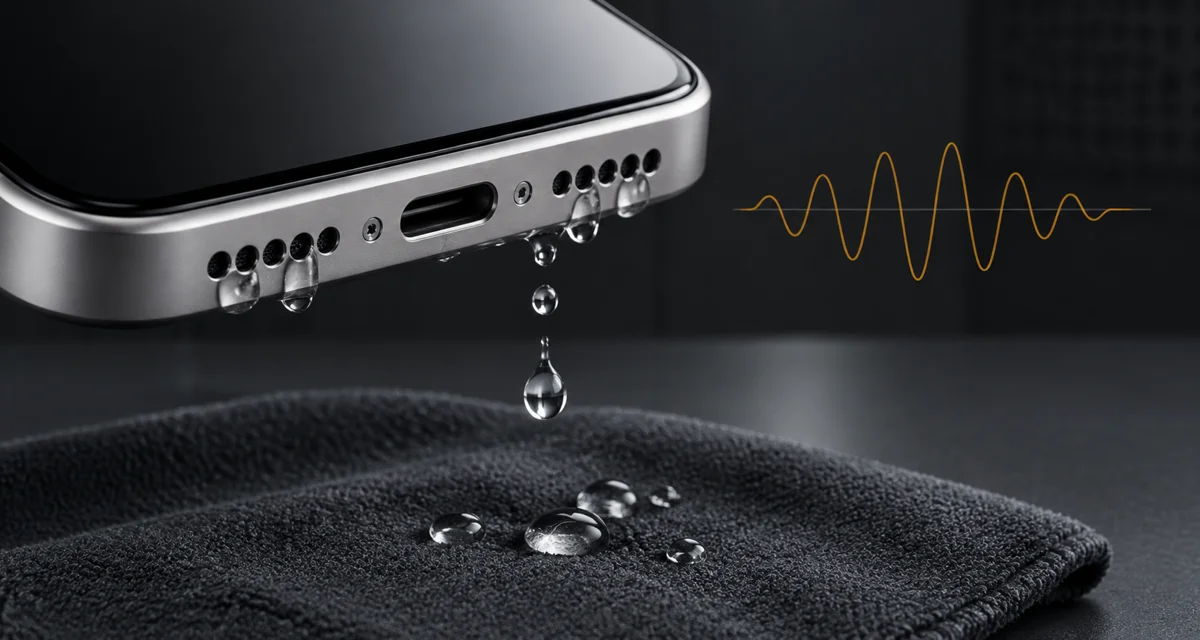
Before playing a water eject sound
If liquid entered the device, it behaves abnormally, or it shows a charging-port warning, prioritise the manufacturer's drying and service advice. Do not power on a wet device just to run this tool. For a working phone with a damp speaker grille, first wipe the exterior and disconnect headphones, Bluetooth audio and charging cables.
Sound + vibration · vibration works on Android
Start at a modest device volume, keep the speaker away from your ears, and stop if rattling, distortion or discomfort occurs.
The player generates audio in your browser. It does not record or upload your audio. Playback follows your device's audio routing, so a website cannot reliably select every individual top or bottom phone speaker.
How does a water eject sound work?
A speaker diaphragm moves back and forth to produce pressure waves. This motion can also displace some droplets near the speaker opening. MIT's speaker explanation supports the basic motion of a voice coil and diaphragm; it does not establish how effectively a particular phone ejects water.
The outcome depends on the speaker, grille, audio processing and where the liquid sits. A phone is not an open air pump through its entire body: sound at the speaker does not dry the battery, circuit board, camera or connector.
What frequency is a water eject sound?
This player uses 165 Hz for its single tone and pulse modes. Its sweep covers 100 to 300 Hz. Those numbers describe our audio settings, not a universal optimum or a guaranteed cleaning frequency.
| Mode | Frequency | What changes |
|---|---|---|
| Tone | 165 Hz | Continuous low-frequency sound |
| Pulse | 165 Hz | Low-frequency sound in bursts |
| Sweep | 100 to 300 Hz | Frequency varies during playback |
Apple's Water Lock instructions describe a series of tones, without specifying a universal phone frequency. We do not have comparative device testing that proves pulses outperform a steady tone. The tone generator offers adjustable frequencies for audio testing, not a certified water-removal setting.
Why is 165 Hz mentioned so often?
BGR reported an example using a 165 Hz sine wave in the Sonic app in December 2016. That establishes that the setting was publicly discussed by then, not that it was invented there or scientifically proven best. We found no manufacturer-backed universal phone water-eject frequency in the sources reviewed.
Does water eject sound really work?
It can help move some speaker-area water, but that is not the same as drying a phone. Apple's built-in Watch feature demonstrates one engineered use of speaker-clearing tones. It does not validate every third-party phone tool.
A 2024 investigation by The Verge with iFixit, described in GIGAZINE's contemporaneous account, observed water leaving phone speakers during playback while liquid remained elsewhere. This is limited evidence for speaker-area ejection, not a controlled success rate, a universal frequency recommendation or proof that a soaked phone is safe to use.
Our methodology and testing limits distinguish browser audio checks from calibrated measurements. We have not measured a water-removal success rate for this tool.
Where the water is changes the next step
| Situation | Role of sound | Next step |
|---|---|---|
| Droplets near the grille | May move some droplets | Wipe and air-dry; reassess normal audio |
| Liquid-detected alert | Not a port-drying method | Disconnect the cable; follow connector guidance |
| Camera fog or abnormal operation | Not an internal repair | Stop playback and seek manufacturer advice |
| Coffee, salt water or soap | Cannot neutralise residue | Follow device-specific cleaning and service guidance |
| Wet AirPods or earbuds | Skip phone cleaning tones | Use the earbud drying guide |
How to try the sound without treating it as a repair
- Check the device first. Skip playback if liquid damage, unusual heat or abnormal operation is suspected.
- Disconnect external audio and cables. Never play a cleaning tone through earbuds you are wearing.
- Wipe the outside. Remove a wet case and use a soft, lint-free cloth. Do not insert anything into openings.
- Point the speaker down. Keep it away from your ears, over a cloth without blocking the grille.
- Start at a modest volume. Use a short session. The player's timer is a convenience, not a clinically or manufacturer-validated dose.
- Stop if it sounds worse. Discomfort, rattling, increasing distortion or unusual heat are reasons to stop, not turn it up.
- Allow drying and reassess. Once dry, compare ordinary audio using the speaker test. Persistent symptoms need diagnosis, not endless repeats.
Do not use rice, external heat, compressed air or objects pushed into the connector. Apple recommends airflow and exterior wiping, not those shortcuts. For a liquid-detection alert, its specific instructions say to wait at least 30 minutes before retrying a connection; if the alert returns, drying can take up to 24 hours. This is not a promise that the phone is dry after 30 minutes.
Apple's separate general liquid-exposure guidance says to let the iPhone dry completely and allow at least five hours before wired charging or connecting an accessory. The alert procedure is not an all-clear after immersion, and neither timeline means playing a tone makes charging safe.
Apple Watch Water Lock is different from iPhone tones
Apple Watch Water Lock is a built-in watch feature. Apple says unlocking it plays a series of tones to clear remaining speaker water. iPhone shortcuts and this browser player are third-party approaches, not that same built-in system.
If you only want the main player and device links, open Water Eject. If sound remains muffled after drying, use the muffled speaker guide to check routing, debris and possible damage.
Related tools & guides
- ToolWater Eject →60-second 165 Hz pulse to push water out.
- ToolTone Generator →Any frequency from 20 Hz to 20 kHz.
- ToolSpeaker Test →Left/right, rattle, bass and treble checks.
- GuideApple Watch Water Eject →Use Water Lock, then rinse and air-dry.
- GuideLiquid Detected in Port →Lightning/USB-C moisture alert: safe drying steps.
- GuideWater in AirPods Guide →Wet earbuds: wipe, wait two hours, then test.
Standards & references
- Use Water Lock and eject water from your Apple Watch
Apple Support
Documents the watch's built-in series of speaker-clearing tones. This is not an iPhone or browser-tool certification.
- About splash, water, and dust resistance of iPhone
Apple Support
Exterior drying, speaker-side-down placement, airflow and charging precautions after liquid exposure.
- If you see a liquid-detection alert on your iPhone
Apple Support
Specific connector-alert guidance, including the 30-minute initial wait and up to 24 hours if the alert returns.
- How a speaker works
MIT engineering course report
Background on voice-coil and diaphragm motion, not a water-ejection performance or safety test.
- Can a YouTube video really fix your wet phone?
The Verge
2024 investigation with iFixit. Its detailed results were cross-checked through GIGAZINE's contemporaneous account because full direct access was restricted.
- Testing a YouTube video to get water out of a phone
GIGAZINE
Contemporaneous account of the Verge and iFixit experiment, including speaker droplets and remaining liquid.
- iPhone 7 water-ejection example using the Sonic app
BGR
December 2016 reporting of a 165 Hz example, not proof of first use, optimality or manufacturer endorsement.
Frequently asked questions
+What is a water eject sound?
It is a low-frequency tone intended to help move droplets near a speaker opening. It may improve muffled audio, but it cannot dry the whole phone or repair liquid damage.
+What frequency removes water from a speaker?
Our player uses 165 Hz for its tone and pulse modes and 100 to 300 Hz for its sweep. These are tool settings, not a manufacturer-certified best frequency for every phone.
+Does water eject sound actually work?
It can move some water near a speaker opening. Apple Watch has an official tone-based feature, and a 2024 Verge and iFixit phone experiment observed water ejection at speakers. Neither establishes that a browser tone dries a whole phone.
+Is a water eject sound safe for my speaker?
Safety depends on the device, volume and its condition. Keep it away from your ears, start at a modest volume, and stop for discomfort, rattling, increasing distortion or unusual heat. Do not play tones on a device showing signs of internal liquid damage.
+Can sound clear a liquid detected warning?
No. A speaker tone is not a charging-port drying method. Disconnect the cable and follow the manufacturer's liquid-alert guidance before trying wired charging again.
+Does iPhone have Apple Watch Water Lock?
No. Water Lock is an Apple Watch feature. Third-party iPhone shortcuts and browser tones are separate tools, not Apple's built-in watch water-ejection system.
+Can I use this sound on AirPods?
Do not wear earbuds while playing a cleaning tone. For wet AirPods, follow Apple's wiping and drying instructions instead of using a phone speaker tool.